× Logotipo Hablax
SIGN IN SIGN UP

Stay Connected with Your Loved Ones in Mexico

Effortlessly send a top-up to your friends and family.

Phone field cannot be empty
Please enter a valid phone number

Select Telcel Products in MXN

Best Sellers Internet Amigo 150
2.5GB Data, Unlimited WhatsApp, Facebook, X (Twitter), Snapchat and Instagram, 500MB Claro Música, and Amazon Prime Video Mobile Edition for 25 daysValid for 25 days
Best Sellers Internet Amigo 200
3.5GB Data, Unlimited WhatsApp, Facebook, X (Twitter), Snapchat and Instagram, 500MB Claro Música, and Amazon Prime Video Mobile Edition, 30 DaysValid for 30 days

How Does It Work?

Steps to Use Hablax in Mexico for Your Telcel Service

Download the Hablax App

Get the app on your mobile device to start using our services.

Select the Service You Want

Choose the top-up option you wish to purchase for your loved ones.

Complete the Purchase

Finalize your top-up transaction by following the payment instructions.

Enjoy the Service
Enjoy the Service

Your loved ones will receive their top-up instantly on their Telcel account.

Discover How Easy It Is to Send a Top-Up

Follow these simple steps to send an international top-up using Hablax.

Blue circle Hablax
Download Hablax APP

Download the Hablax App

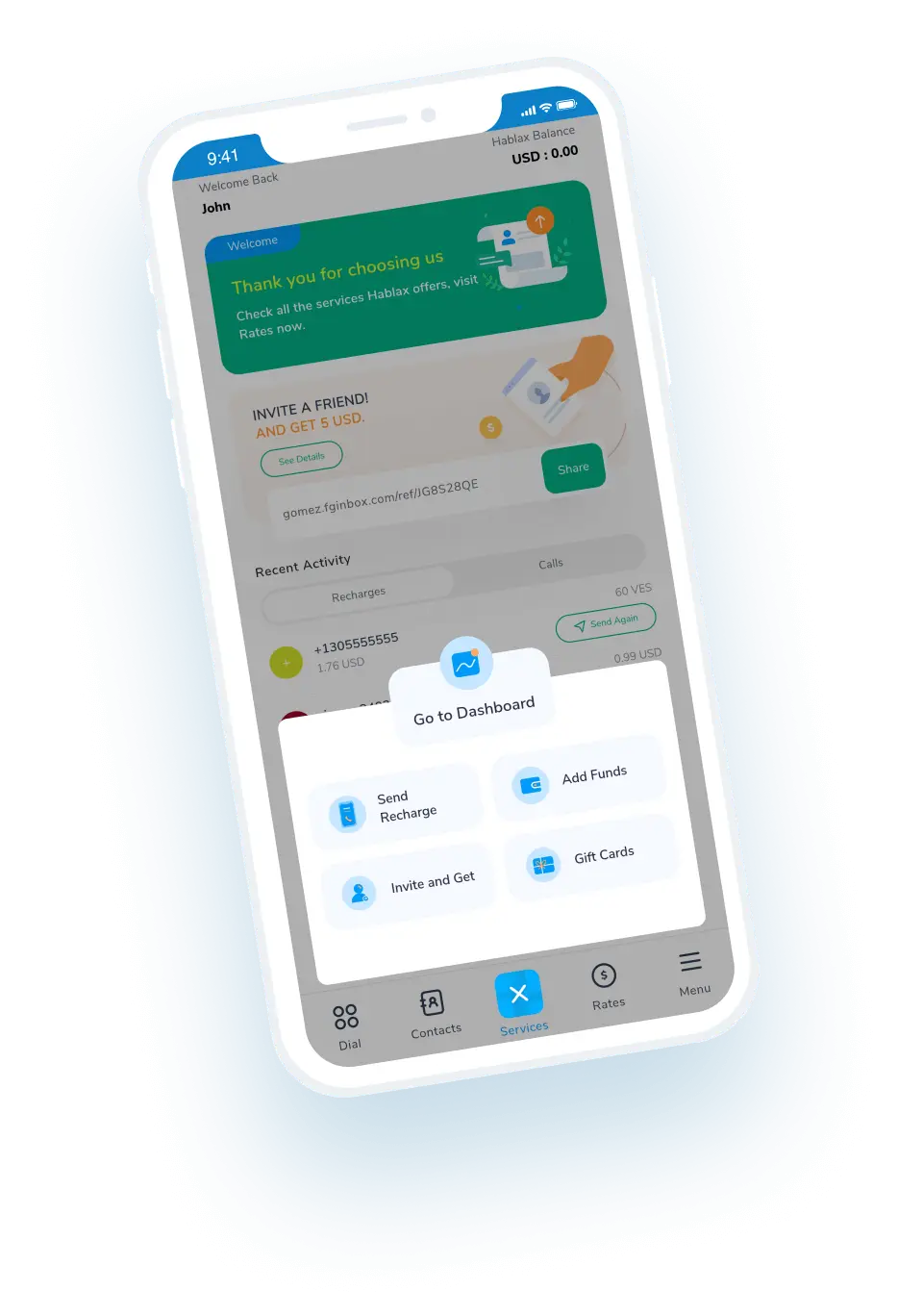
Easily send top-ups to your family in Mexico with the Hablax app. Enjoy swift transactions and a user-friendly interface. Available for both iOS and Android.


Why Use Hablax?

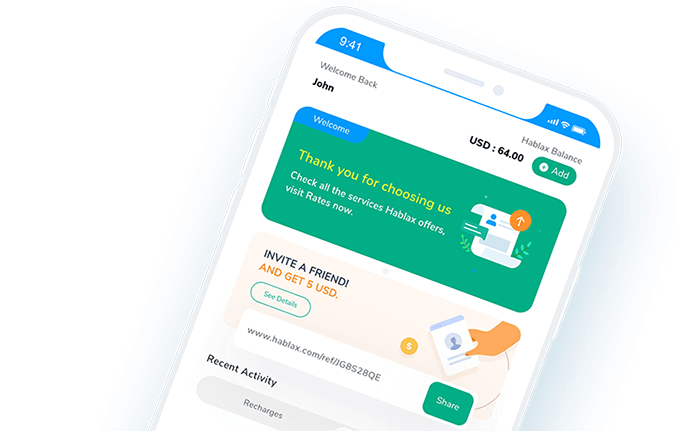
Hablax provides a seamless experience for sending international top-ups. Our services are designed to ensure fast transactions, excellent customer support, and competitive rates, making it easier than ever to stay connected with your loved ones in Mexico.
Why Hablax

Frequently Asked Questions

Common inquiries about Hablax in Mexico and Telcel services.
Frequently Asked Questions
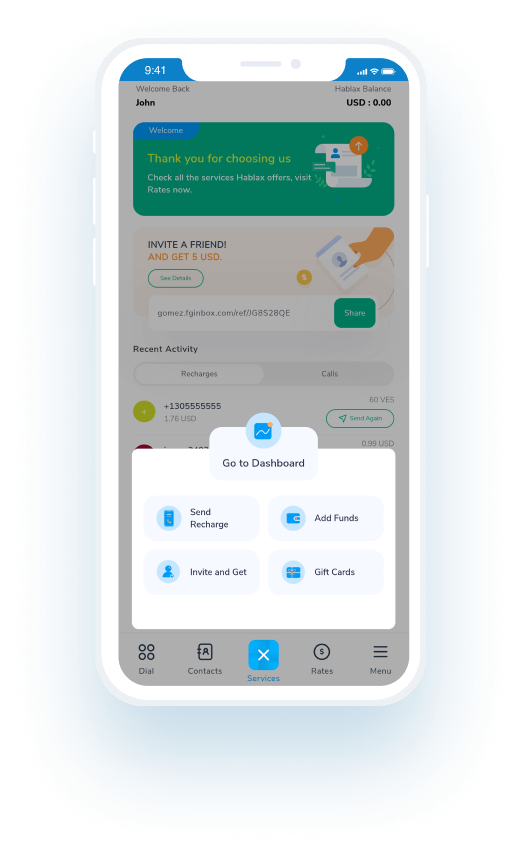
To send a top-up to your loved ones, log into your Hablax account and select the top-up option. Choose Mexico as the destination, select the service, and enter the phone number before proceeding with the payment.
Hablax offers various payment methods, including Apple Pay, Google Pay, credit/debit cards, PayPal, and in some regions, cash payments or bank transfers.
If the top-up hasn’t been received, first confirm the transaction was successful through your Hablax account. If issues persist, our customer service team can assist you to resolve the matter.
Yes, if the transaction completed and the top-up didn’t apply correctly, you can request a refund by contacting customer service. We’ll investigate and resolve the issue accordingly.
With Hablax, you have the flexibility to send mobile data or balance for calls and messaging, ensuring your loved ones can stay connected in the way they prefer.

Customer Service

Contact Us for Assistance with Your Telcel Service

Chat

Live Chat

Customer support available every day from 10 AM to 11 PM (Eastern Time, USA) via chat.

Email

E-mail

Available 24/7

Call

Customer Service and Access Numbers

Customer support available every day from 10 AM to 11 PM (Eastern Time, USA) by phone.