× Logotipo Hablax
SIGN IN SIGN UP

Top-up Your Vodacom Mozambique Mobile Balance

Stay connected with your loved ones in Mozambique

Don't forget to provide your phone number.
Please enter a valid phone number.

Select Products for Vodacom Mozambique MZN

Best Seller 20 MZN
Best Seller 150 MZN

How It Works

Steps to use Hablax in Mozambique for Vodacom services

Step 1: Download the Hablax App

Download the Hablax app from your preferred app store

Step 2: Select Your Service

Choose Vodacom Mozambique and enter the phone number you wish to top-up

Step 3: Select Payment Method and Complete Purchase

Choose your preferred payment method and finalize your top-up

Step 4: Enjoy Instant Connectivity

The recipient will receive the top-up in just a few minutes

Easy Steps to Top-Up

Learn how to quickly and efficiently top-up mobile balances with Hablax

Blue circle Hablax
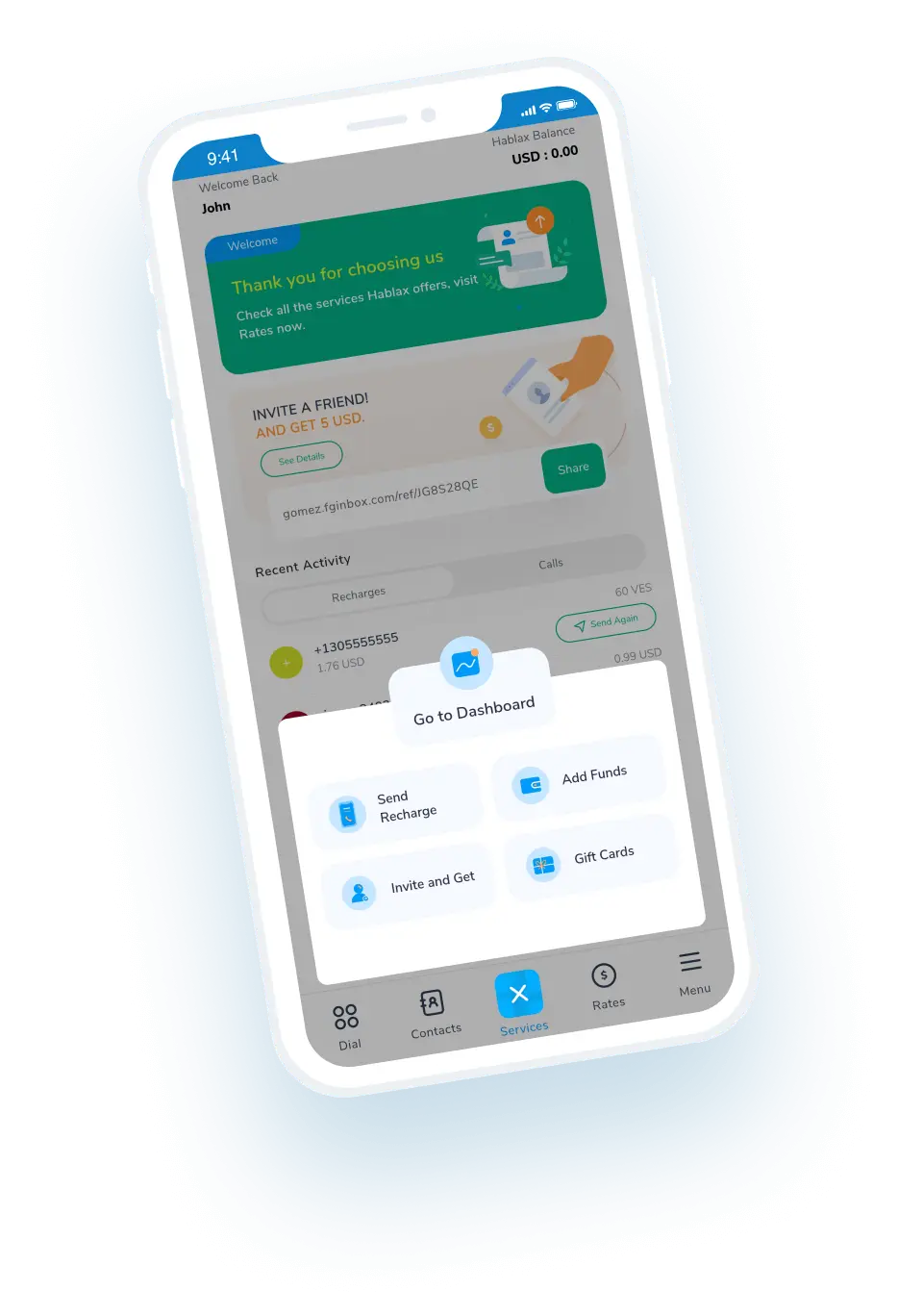
Download Hablax APP

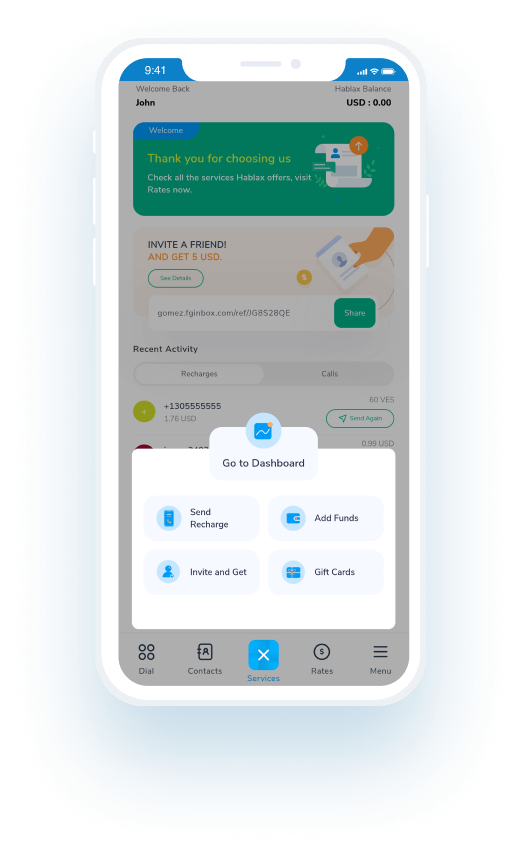
Download the Hablax App

Get the Hablax app to easily send top-ups to Vodacom Mozambique MZN anytime, anywhere. Enjoy our user-friendly interface and quick top-up process.


Why Choose Hablax?

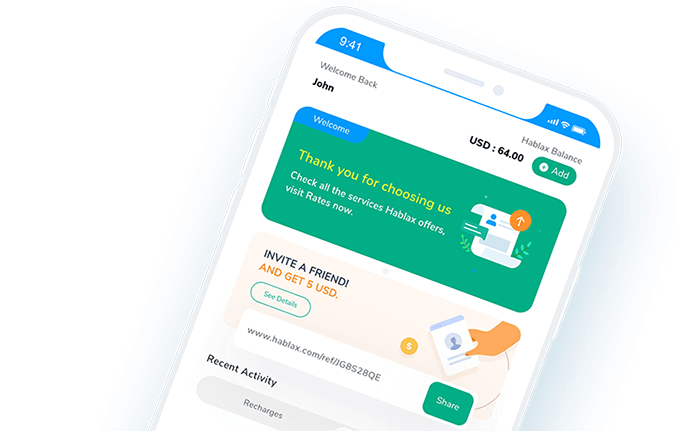
Hablax provides a seamless, secure, and fast way to send mobile top-ups to your loved ones in Mozambique. We offer competitive rates, multiple payment options, and 24/7 customer support. With Hablax, staying connected has never been easier.
Why Hablax

FAQs

Frequently asked questions about Hablax in Mozambique for Vodacom services.
Frequently Asked Questions
To send top-ups to Mozambique with Hablax, log in to your account via the app or web portal. Select the destination country, enter the phone number, choose the top-up amount, select a payment method, and confirm the transaction.
Hablax offers a variety of payment methods including Apple Pay, Google Pay, cryptocurrencies, credit and debit cards, PayPal, and in some countries, cash payments or bank transfers.
International mobile top-ups with Hablax are processed almost instantly, but in some cases, it may take a few minutes depending on the operator and the connection.
Once the top-up is completed, the recipient will receive a notification on their mobile phone.
Yes, you can add multiple top-ups for different countries or the same country to your shopping cart and make a single payment.

Customer Service

Contact us to assist you with Vodacom Mozambique MZN services

Chat

Chat

Customer Support available daily from 10 am to 11 pm (EST) via chat.

Email

E-mail

Available 24/7

Call

Customer Service and Access Numbers

Customer Support available daily from 10 am to 11 pm (EST) via calls.