× Logotipo Hablax
SIGN IN SIGN UP

Send Top-ups to Turkey with Turkcell

Stay connected with your loved ones in Turkey

Don't forget to provide your phone number.
Please enter a valid phone number.

Select Turkcell Turkey TRY products

The product is temporarily unavailable at this time.

How It Works

Steps to use Hablax for sending top-ups to Turkey via Turkcell

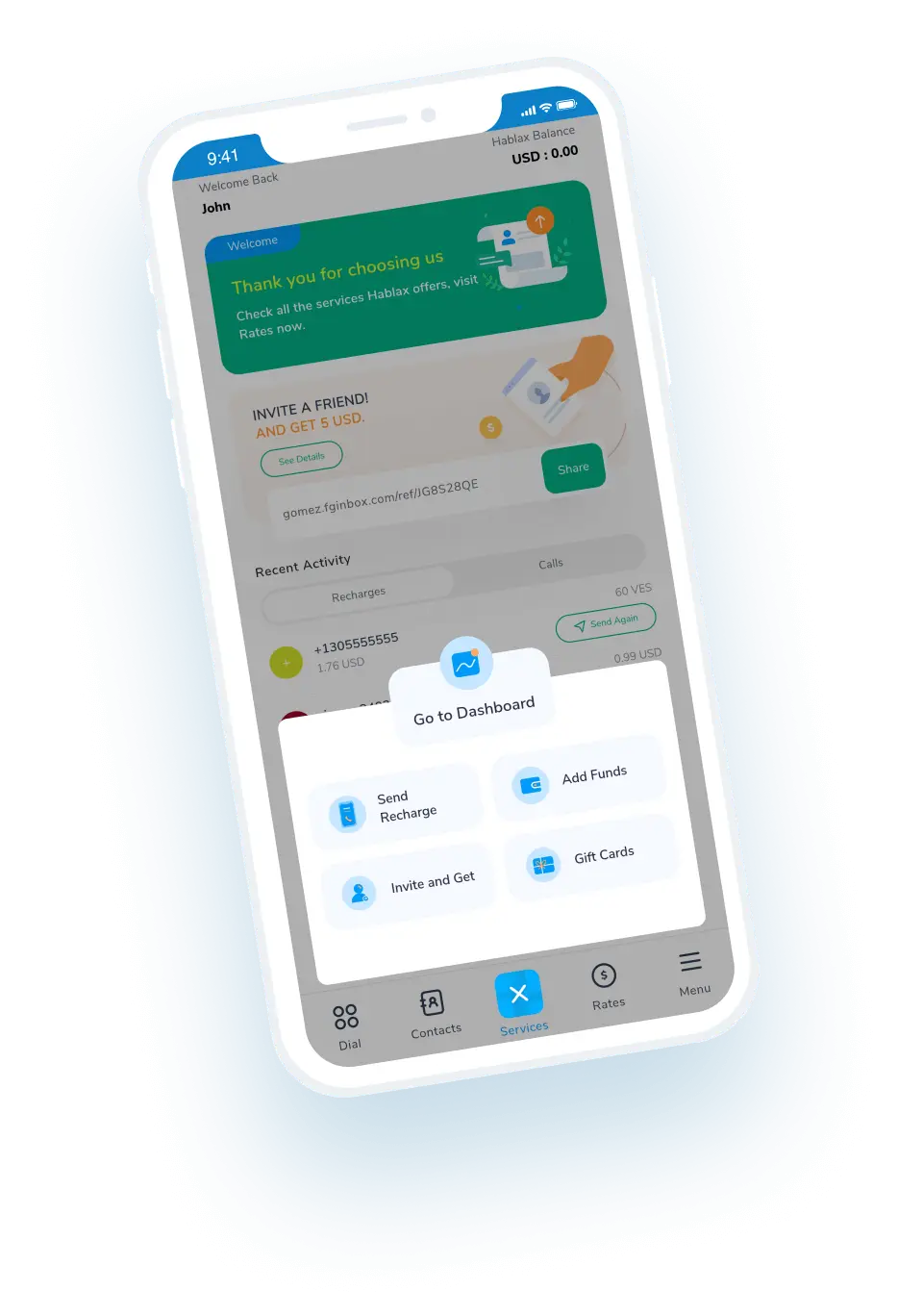
Download the Hablax app for top-up services

First step description

Select the top-up service you want to purchase

Second step description

Complete your purchase

Third step description

Enjoy the service you bought

Fourth step description

Easy Steps to Send Top-ups

Learn how to use Hablax for sending international top-ups efficiently

Blue circle Hablax
Download Hablax APP

Download the Hablax App

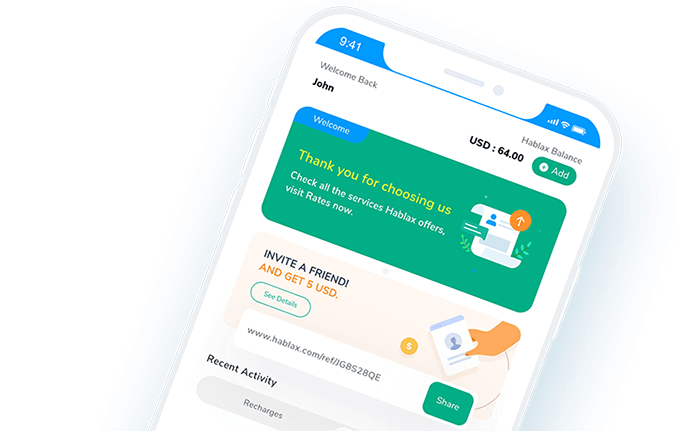
Download the Hablax app to send internet top-ups to Turkey with Turkcell quickly and easily. With over 1.2k reviews on the App Store and 4.42k on Google Play, rated 4.8 and 4.4 stars respectively, you can trust our app for seamless services.


Why Use Hablax?

Hablax stands out for its exceptional service quality, customer support, and ease of use. Our platform allows you to send international top-ups to Turkey with ease, ensuring your loved ones stay connected no matter the distance. Choose Hablax for quick, reliable top-ups with Turkcell.
Why Hablax

Frequently Asked Questions

Frequently asked questions about Hablax in Turkey and Turkcell services.
Frequently Asked Questions
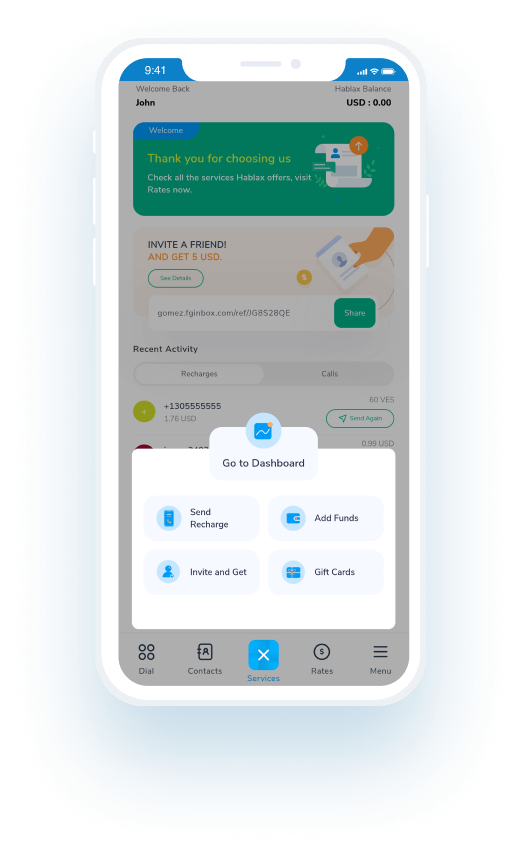
To top up internet data to your loved one's mobile phone via Hablax, log in to your account through the app or website. Select the top-up option, choose the destination country and the internet service, then choose the data amount, enter the phone number, and finally, select the payment method to complete the transaction.
Hablax offers a variety of payment methods for data top-ups, including ApplePay, GooglePay, cryptocurrencies, credit and debit cards, PayPal, and in some countries, cash or bank transfers.
If your loved one hasn't received the data top-up, first verify that the transaction was successful through your Hablax account. If the issue persists, contact our customer support for assistance. We will check the status of the top-up and resolve any issues.
Yes, if the data top-up was not applied correctly and the transaction was completed, you can request a refund by contacting our customer support. We will review your case and, if applicable, issue a refund or correct the error.
With Hablax, you can top up either only mobile data or also balance for calls and messages. Our platform offers flexibility for you to choose the type of top-up that best suits your needs, whether it's to stay connected to the internet or to have balance for making calls and sending messages.

Customer Service

Contact us for help with Turkcell services

Chat

Chat

Customer support available every day from 10 am to 11 pm (EST, USA) via chat.

Email

Email

Available 24/7

Call

Customer Support and Access Numbers

Customer support available every day from 10 am to 11 pm (EST, USA) via calls.